
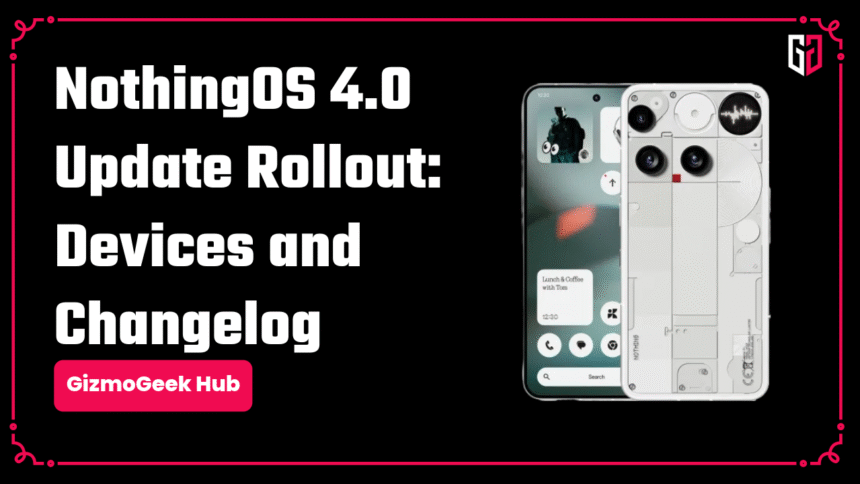
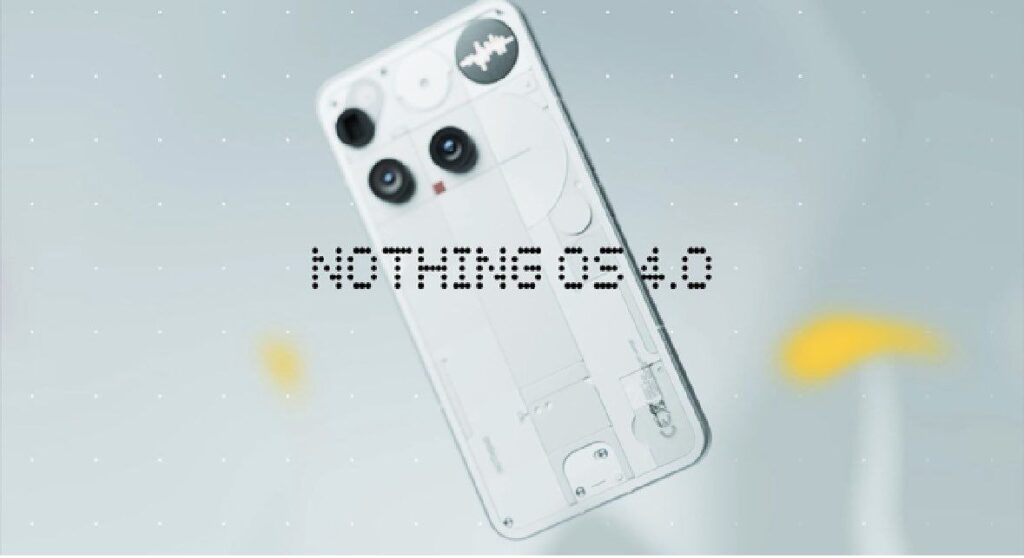
Nothing is now rolling out the NothingOS 4.0 update for Phone (2), (2a), and (3a) Series. Here’s a complete changelog and details about the update.
Changelog
- Hide apps from Home Screen & App Drawer
- Manage search scope in App Drawer
- New widget sizes: Weather, Pedometer, Screen Time
- Quick Settings tiles now support a 2×2 size
- Pop-up view supports 2 floating icons
- App optimisation for faster startup
- Playground (Alpha) introduced
- Essential Apps (Alpha) now available
- Redesigned Nothing app icons
- Updated status bar icons
- New lockscreen password page with wallpaper blur
- 2 new lock screen clock faces
- Extra Dark Mode added
- Improved transition animations
- Flip to Glyph: choose Silent or Vibrate
- Glyph Progress now uses Android 16 Live Updates
- Camera: new presets, intensity control for filters, exclusive “Stretch” filter
- Longer Motion Photos + audio
- New Nothing brand watermarks & artistic frames
- Refreshed camera UI
Notes: Please make sure you have at least 40% battery, or the update might fail to install or download.
We hope you found this article helpful. Keep exploring GizmoGeek Hub for more tech news, stories, and reviews that will keep you informed about the latest trends and advancements in technology. We aim to provide detailed and unbiased reviews, thorough tutorials, and current news to help you enhance your tech knowledge and skills. Continue reading GizmoGeek Hub for more articles and reviews. Follow us on YouTube, X (formerly Twitter), Instagram, LinkedIn, and our WhatsApp Channel to stay updated on the newest news, announcements, and behind-the-scenes content.
Request – As a new site, we largely depend on ad revenue to support our operations. Please consider turning off any ad blockers you use when visiting our website. Viewing ads helps us continue delivering the high-quality content you enjoy. Your support is very important to us and helps keep GizmoGeek Hub running smoothly. We sincerely appreciate your ongoing support, and thank you for sticking with us!