
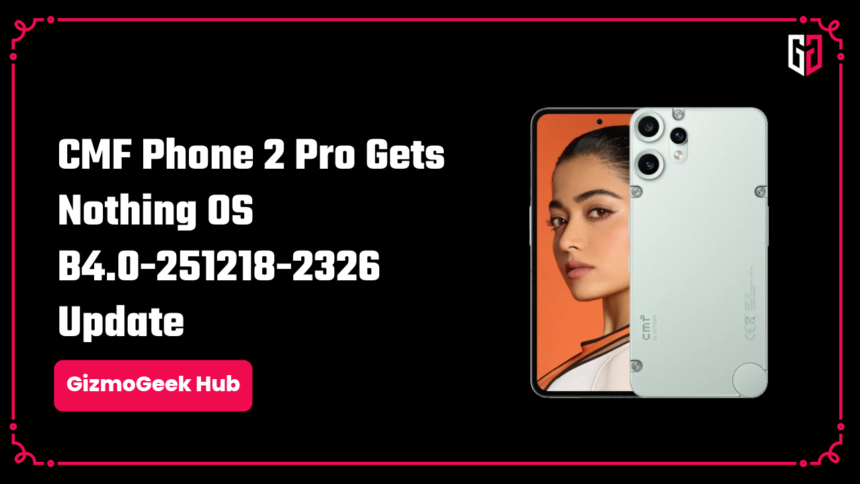
Nothing has rolled out the CMF Phone 2 Pro update with Nothing OS B4.0-251218-2326. The rollout will be in stages, with availability changing according to region or device. This allows for better stability and fixes issues before the complete rollout. With this update, Phone 2 Pro will be upgrading to Nothing OS 4.0 based on Android 16.
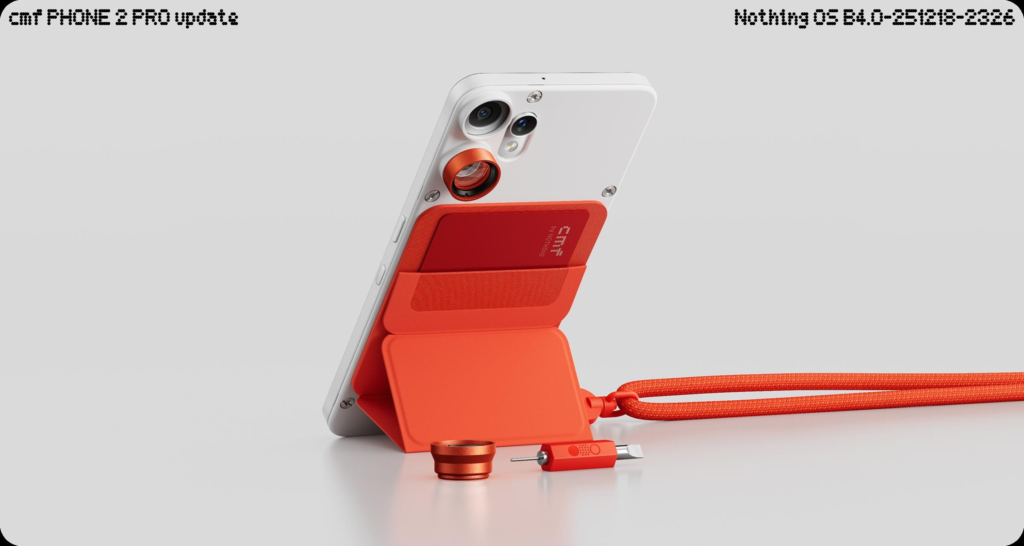
Changelog: CMF Phone 2 Pro Update
New Features
- Added an AI usage dashboard for Essential Space to automatically track large model usage and enhance privacy transparency.
Path: Settings > Intelligence toolkit > AI usage - Added support for hiding apps directly from the home screen and App drawer.
Find hidden apps via: Home screen > App drawer > Hidden icons - Added the ability to manage search scope in the App drawer to display results within specific categories.
- Added more size options for Weather, Pedometer, and Screen Time widgets.
- 2×2 size is now supported for most Quick Settings tiles.
- Pop-up view now supports two floating icons for easier switching between apps.
- System upgrade now supports app optimisation to improve startup speeds.
Path: Settings > Apps > App optimisation - Dual SIM customization: Users can now set different ringtones for each SIM.
Essential Innovations
- Introducing Playground (Alpha): Explore community-created content such as Essential Apps, Camera Presets, and EQ Profiles.
- Essential Apps (Alpha): Now open for download—experience AI-powered, community-developed apps that combine creativity and performance.
More details: https://playground.nothing.tech
Visual Enhancements
- Nothing app icons have been redesigned for a cleaner, refreshed look.
- Status bar icons received a more intuitive and minimal redesign.
- Added two new lock screen clock faces under Customisation.
- Extra Dark Mode is now available.
Settings > Display > Dark theme > Extra dark mode
Camera Enhancements
- Presets: Updated default list with new and trending styles.
- Filters: Added intensity control and new exclusive “Stretch” styles.
- Watermarks: Introduced new Nothing-brand watermarks and optional artistic frames.
This changelog is based on the community post published by Nothing.
We hope you found this article helpful. Keep exploring GizmoGeek Hub for more tech news, stories, and reviews that will keep you informed about the latest trends and advancements in technology. We aim to provide detailed and unbiased reviews, thorough tutorials, and current news to help you enhance your tech knowledge and skills. Continue reading GizmoGeek Hub for more articles and reviews. Follow us on YouTube, X (formerly Twitter), Instagram, LinkedIn, and our WhatsApp Channel to stay updated on the newest news, announcements, and behind-the-scenes content.
Request – As a new site, we largely depend on ad revenue to support our operations. Please consider turning off any ad blockers you use when visiting our website. Viewing ads helps us continue delivering the high-quality content you enjoy. Your support is very important to us and helps keep GizmoGeek Hub running smoothly. We sincerely appreciate your ongoing support, and thank you for sticking with us!