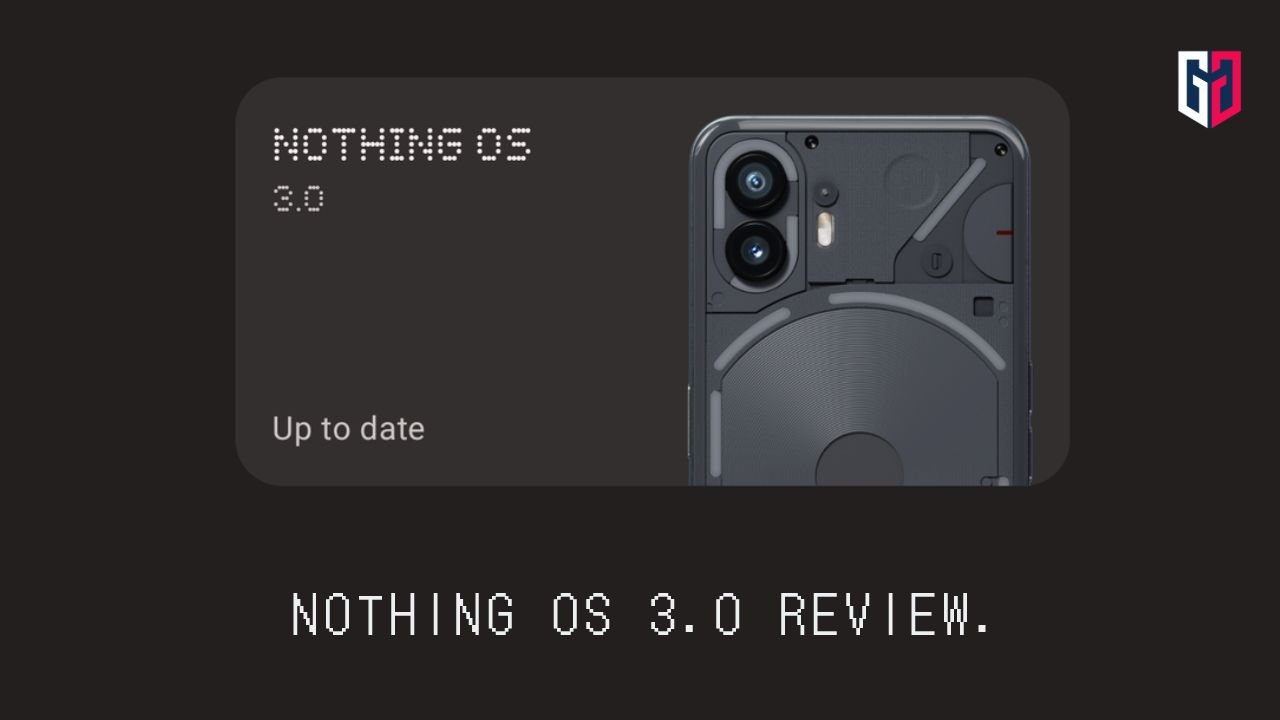

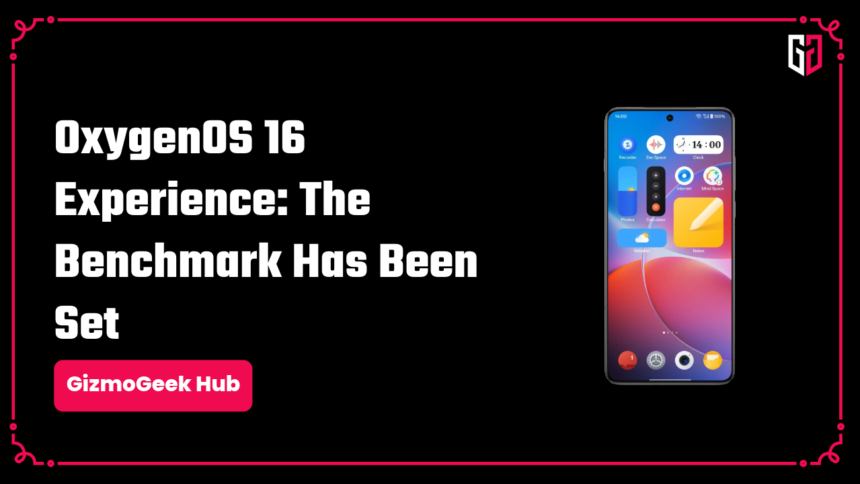
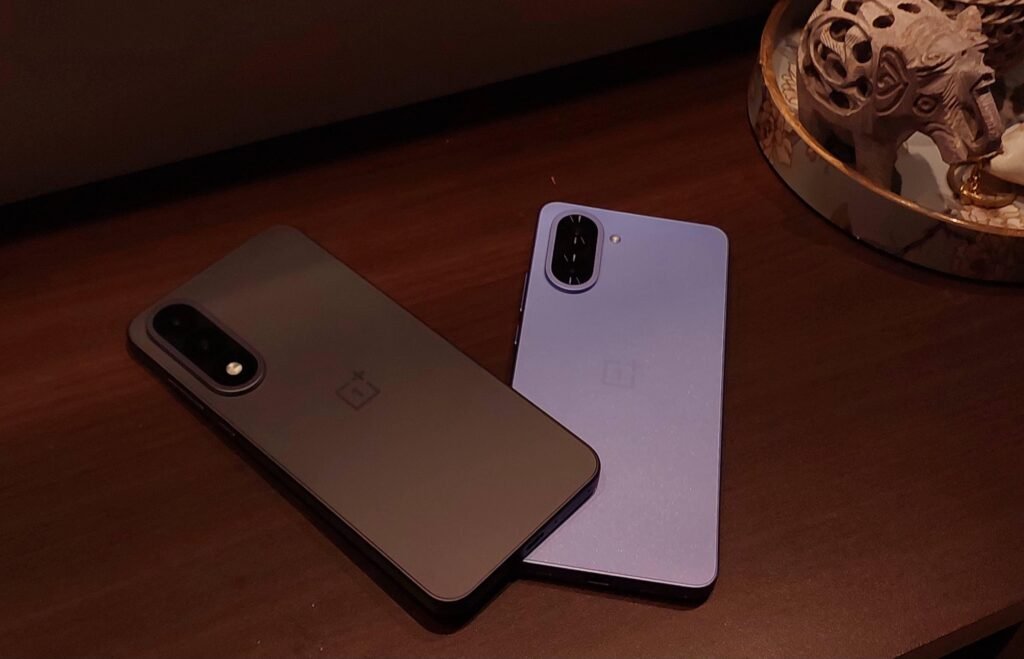
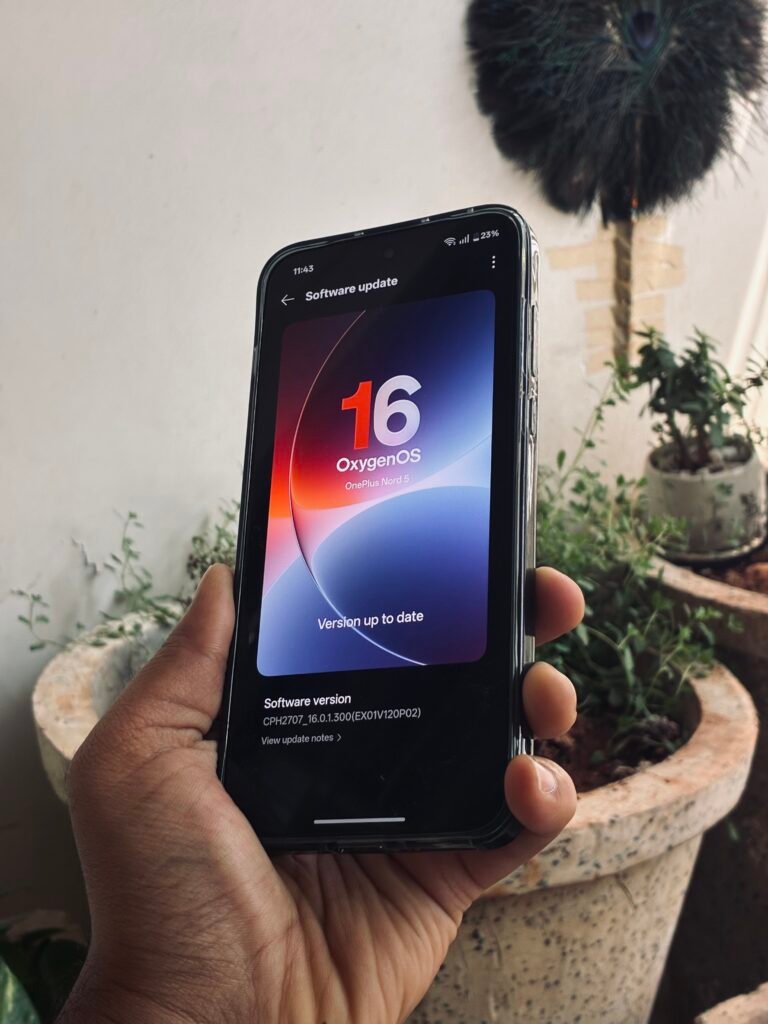
I have been using OxygenOS 16 on my OnePlus Nord CE5 and Nord 5 since the release, and I have nothing to say but good stuff about it! Do note that this is a “midrange” experience and will not be exactly the same as the bigger brothers like the OnePlus 13 series or 15 series.
So let’s dive into my experience with OxygenOS 16!
Smoothness
OnePlus has set a standard for smoothness ever since OxygenOS 15. There is nothing to really complain about on OxygenOS 16 with this level of smoothness on midrange devices. It’s not just about app opening/closing animations; it is eye candy with every animation.
One thing to note is that if you use the User Switch feature, both the phones struggle and start stuttering/lagging when you switch between profiles. As far as I can tell, this is an optimisation issue, likely happening even in the flagship models.
One thing to note is that some users are thinking they have gotten a performance boost in OxygenOS 16 in benchmarks. Coincidentally, OxygenOS 16 rolled out at the time when Antutu has been tweaking their scoring system (where all phones got a score ‘boost’). This is a slight misconception I wanted to talk about!
New Features (and a slight miss?)
OnePlus has given us a decent set of new features. Not too many, just enough to make a decent difference during daily use.
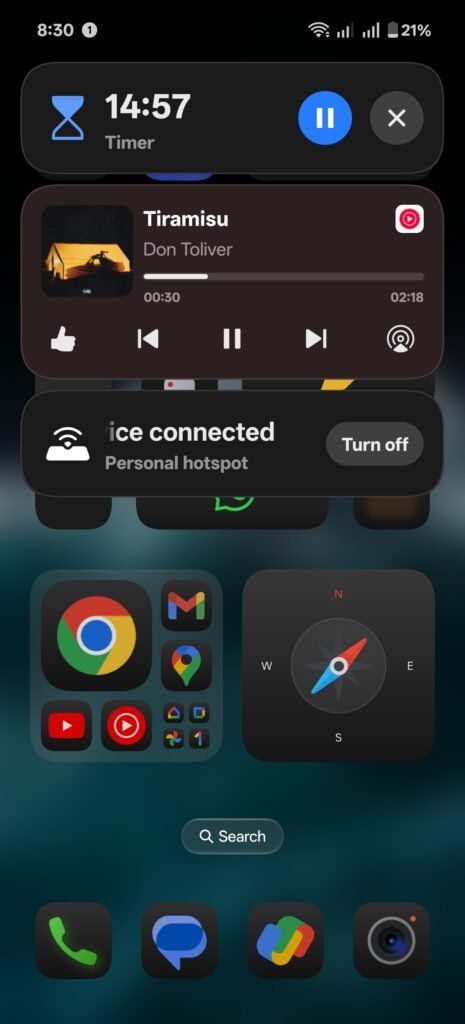
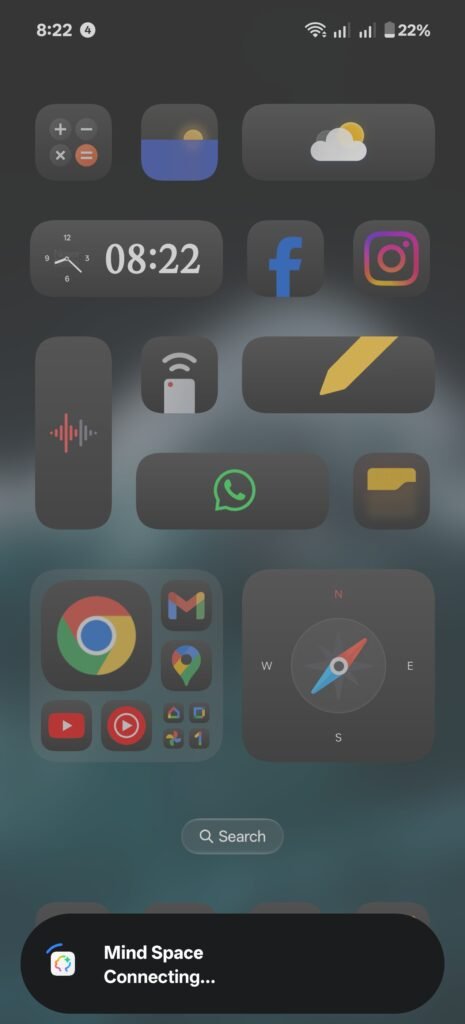
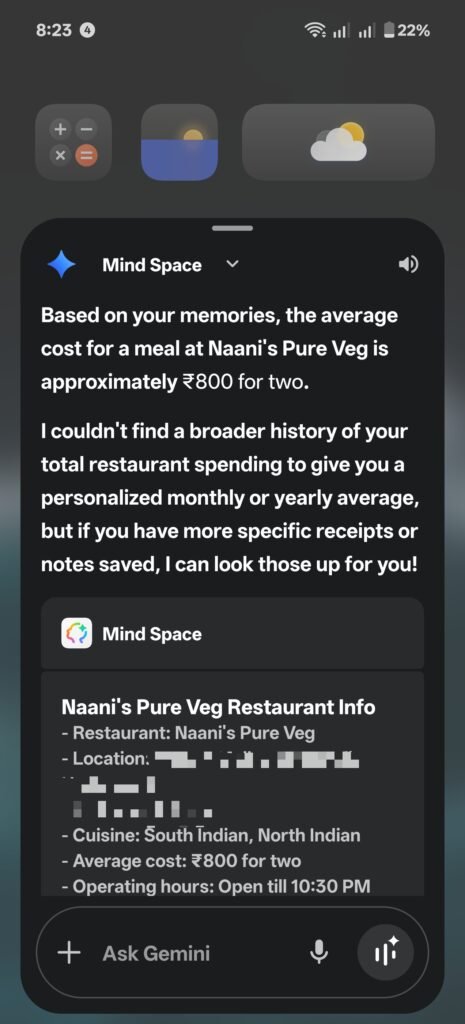
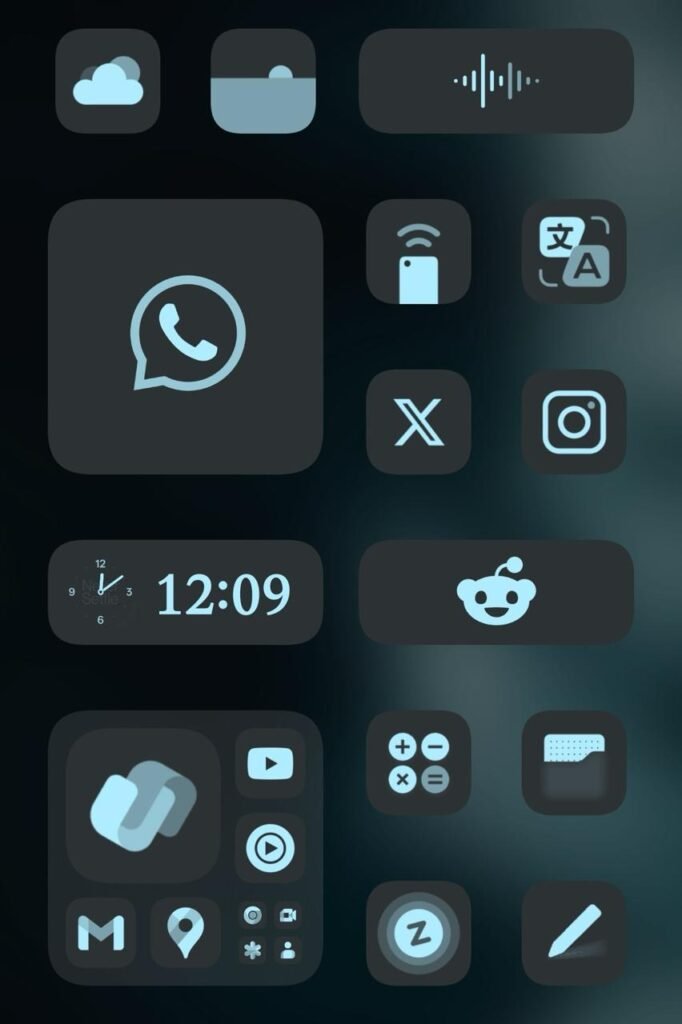
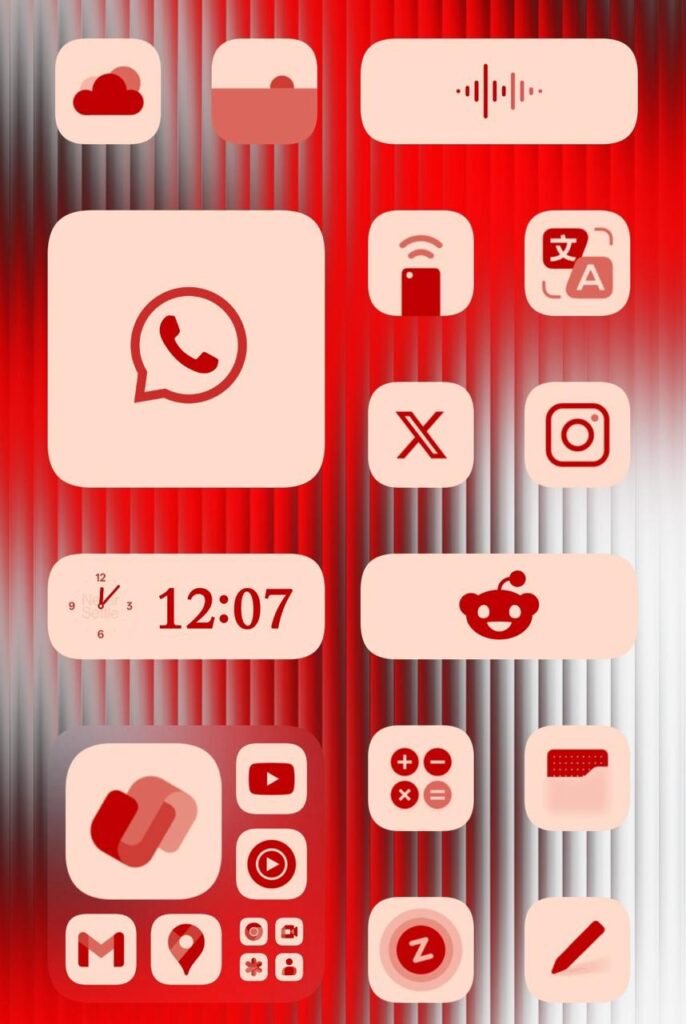
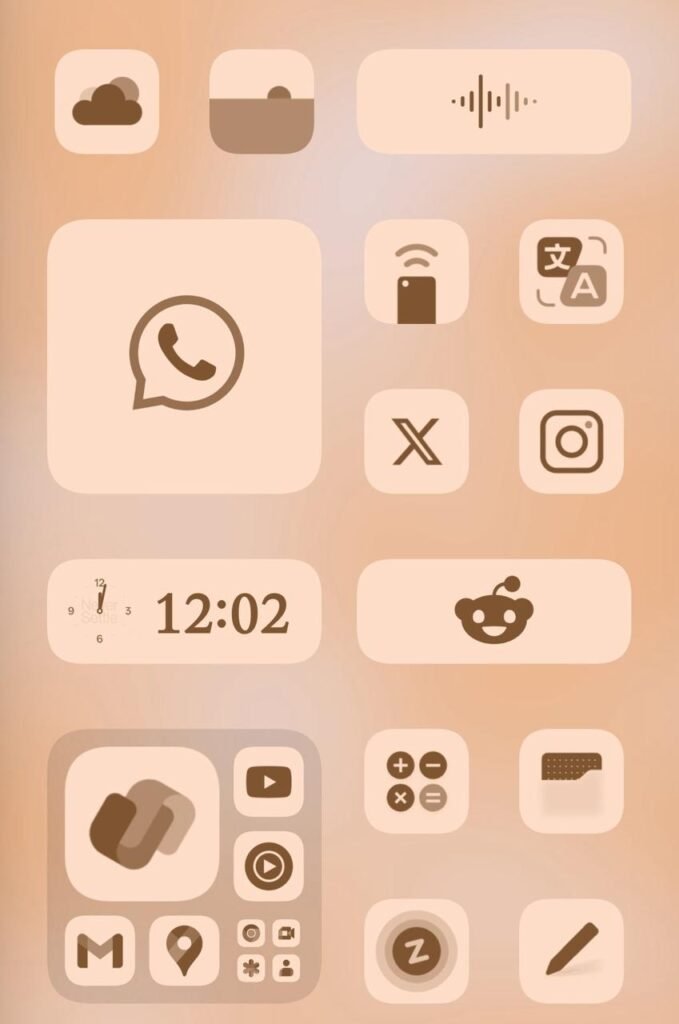
The most noticeable features for me are the lock screen styles/customisations, integration of Google Gemini with Mind Space and icon styles! Other than these, you have other AI features, O+ Connect, better “Live Alerts Pill” (cough cough Dynamic Island) and a half-implemented (somewhat) control centre customisation.
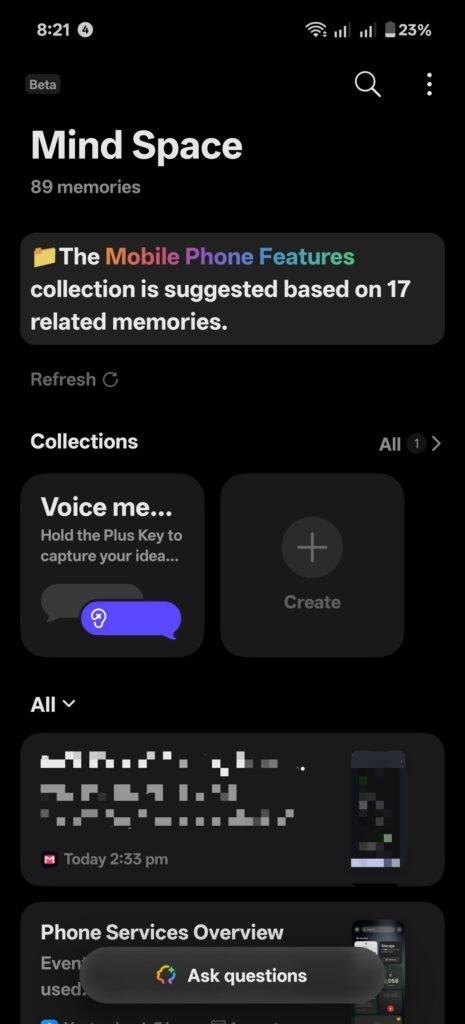
A fumble was when OnePlus messed up their AI writer tool, which received a lot of backlash. I personally hope it stays disabled and NEVER comes back because it is so intrusive and gets into the way. Adding on, there are other features such as AI Portrait Glow and AI Portrait Shot, which I would never want to use again, as Google has a MUCH better implementation in Google Photos.
Optimisation
Initially, a lot of people were complaining about poor battery life and system slowdowns. This issue happens to almost every phone after a major software upgrade. Hence, OnePlus has notified users about plugging in your phone for 3-4 hours after the software OS upgrade to ensure that there will be none of these issues. However, it is best to note that the battery life will get much more consistent and reliable after a week of usage.
Furthermore, I have been hearing that OnePlus midrange devices have been experiencing slowdowns when switching between themes and applying them. Personally, I have not experienced it, but do let me know down in the comments if anybody is having this issue.
New Design Language
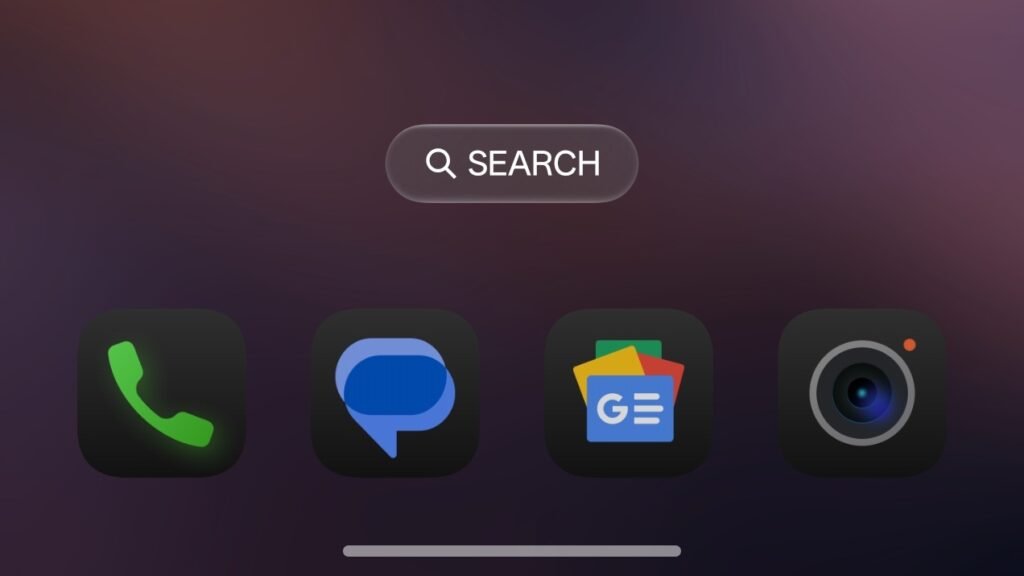
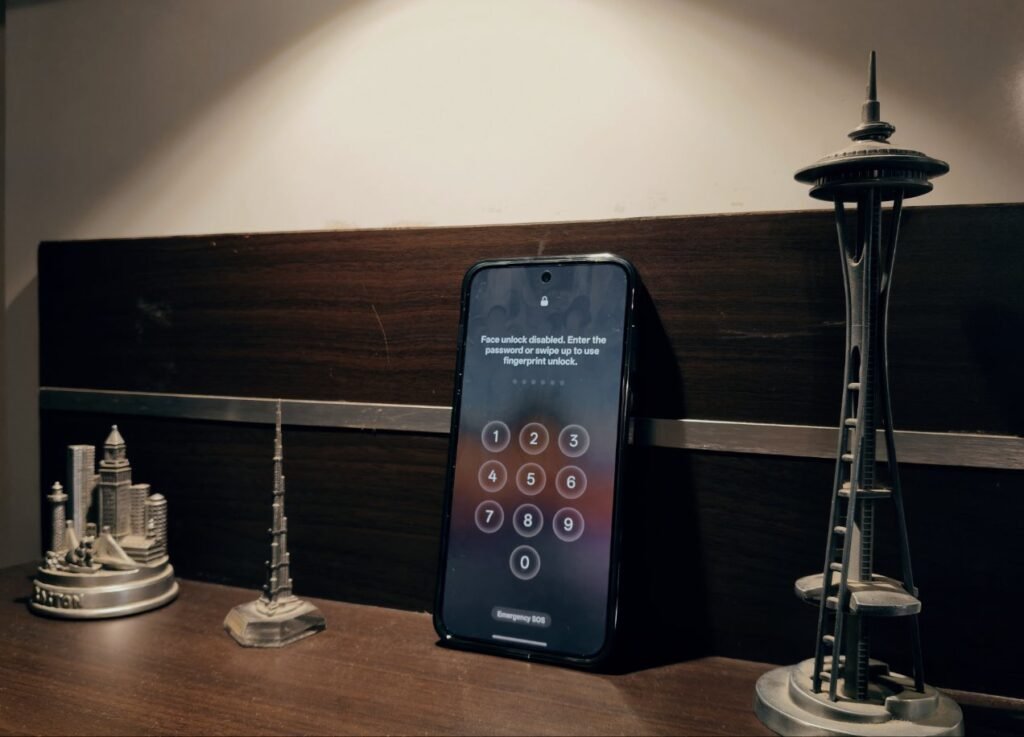
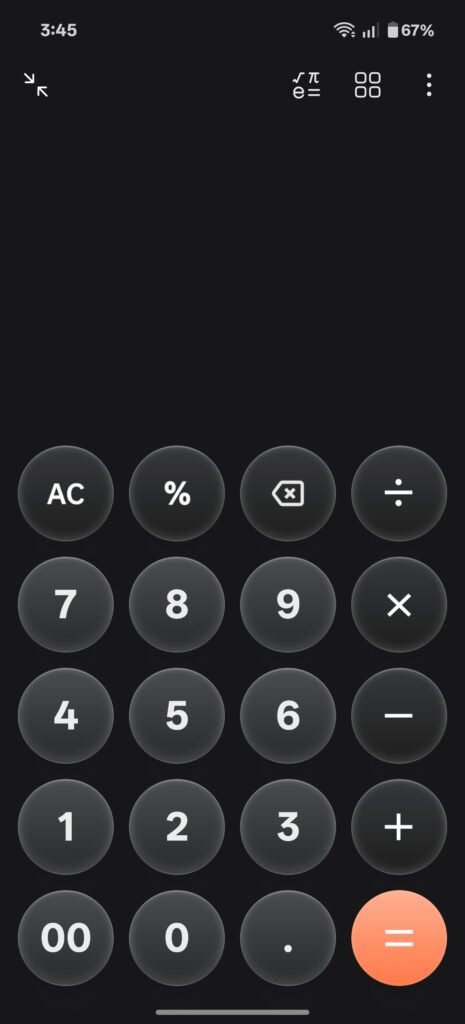
The design has not been changed that much, but there are some odd and mediocre design choices across the UI. OnePlus calls it “Light and Shadow”. While it is not an exact copy of the “Liquid Glass” design style, you can consider it to be inspired due to how the interactive element colours bleed into the surroundings. Either way, I am not a fan of this, and I find it cheap looking. Do let me know in the comments about your opinion though.
Some things to know about + weird quirks
- The OxygenOS 16.0.3 update has disabled rollbacks, so those who have updated to it will not be able to downgrade to an older software version. IF they do, it will result in a brick due to the motherboard fuse tripping. Source.
- For some reason, my OnePlus Nord CE5 usually receives updates before the OnePlus Nord 5. I found this funny because the OnePlus Nord 5 is the more premium device.
We hope you found this article helpful. Keep exploring GizmoGeek Hub for more tech news, stories, and reviews that will keep you informed about the latest trends and advancements in technology. We aim to provide detailed and unbiased reviews, thorough tutorials, and current news to help you enhance your tech knowledge and skills. Continue reading GizmoGeek Hub for more articles and reviews. Follow us on YouTube, X (formerly Twitter), Instagram, LinkedIn, and our WhatsApp Channel to stay updated on the newest news, announcements, and behind-the-scenes content.
Request – As a new site, we largely depend on ad revenue to support our operations. Please consider turning off any ad blockers you use when visiting our website. Viewing ads helps us continue delivering the high-quality content you enjoy. Your support is very important to us and helps keep GizmoGeek Hub running smoothly. We sincerely appreciate your ongoing support, and thank you for sticking with us!